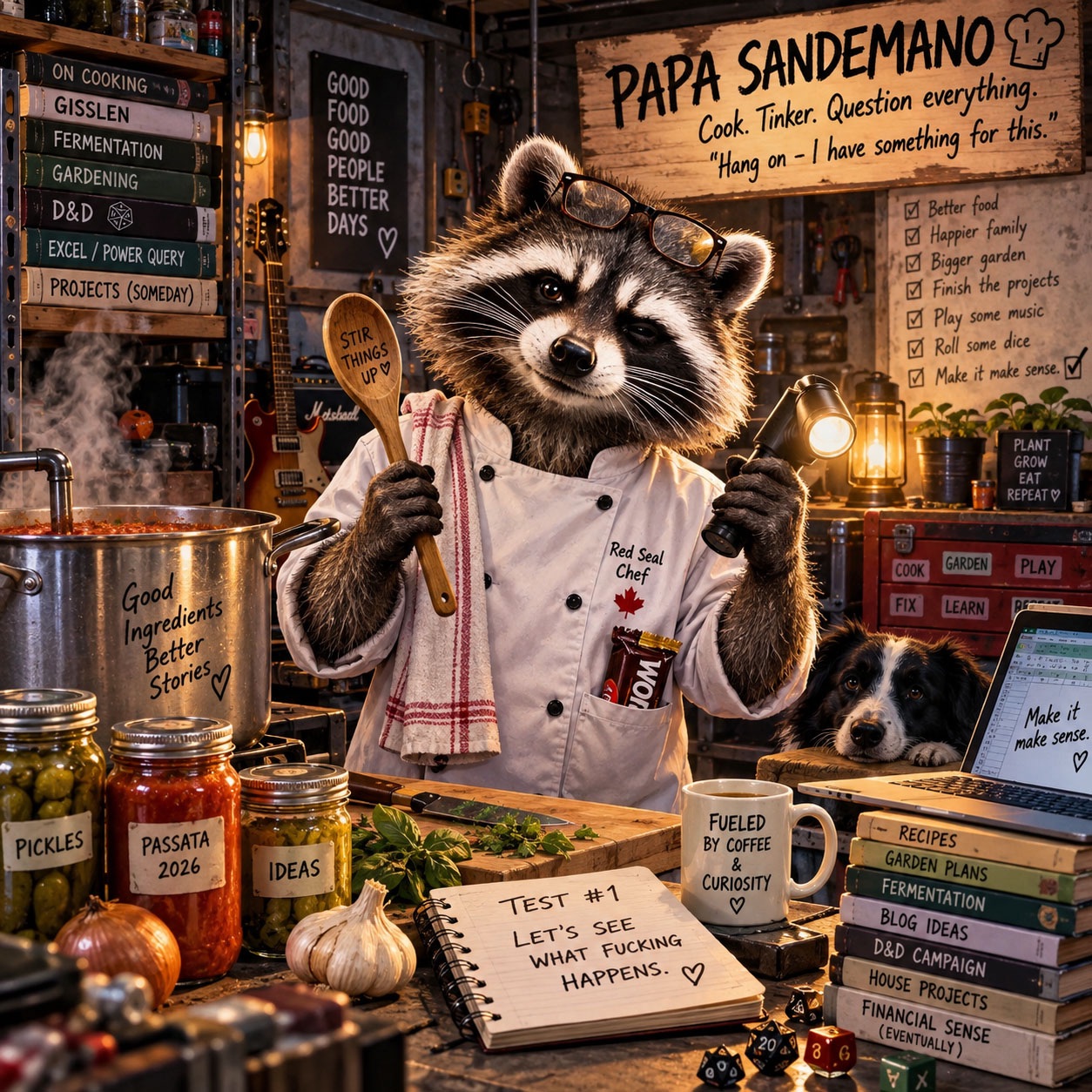
You know how sometimes you avoid looking at a mess because if you stop and look at the clusterfuck, you start to feel like you’re failing?
Yeah? I’ll give you an example—take my Notes app.
This whole rabbit hole started because I asked ChatGPT a stupidly simple question: What open loops do I have?
It started pulling together the shit I’d been talking about for days — house projects, cars, work stuff, the website, things I wanted to learn — and suddenly I was looking at the problem backwards.
Here’s what usually happens: I have an idea, I document it somehow — usually a photo, sometimes an actual note if I remember or can muster up the ambition — and then it disappears into the dark hole that is my phone.
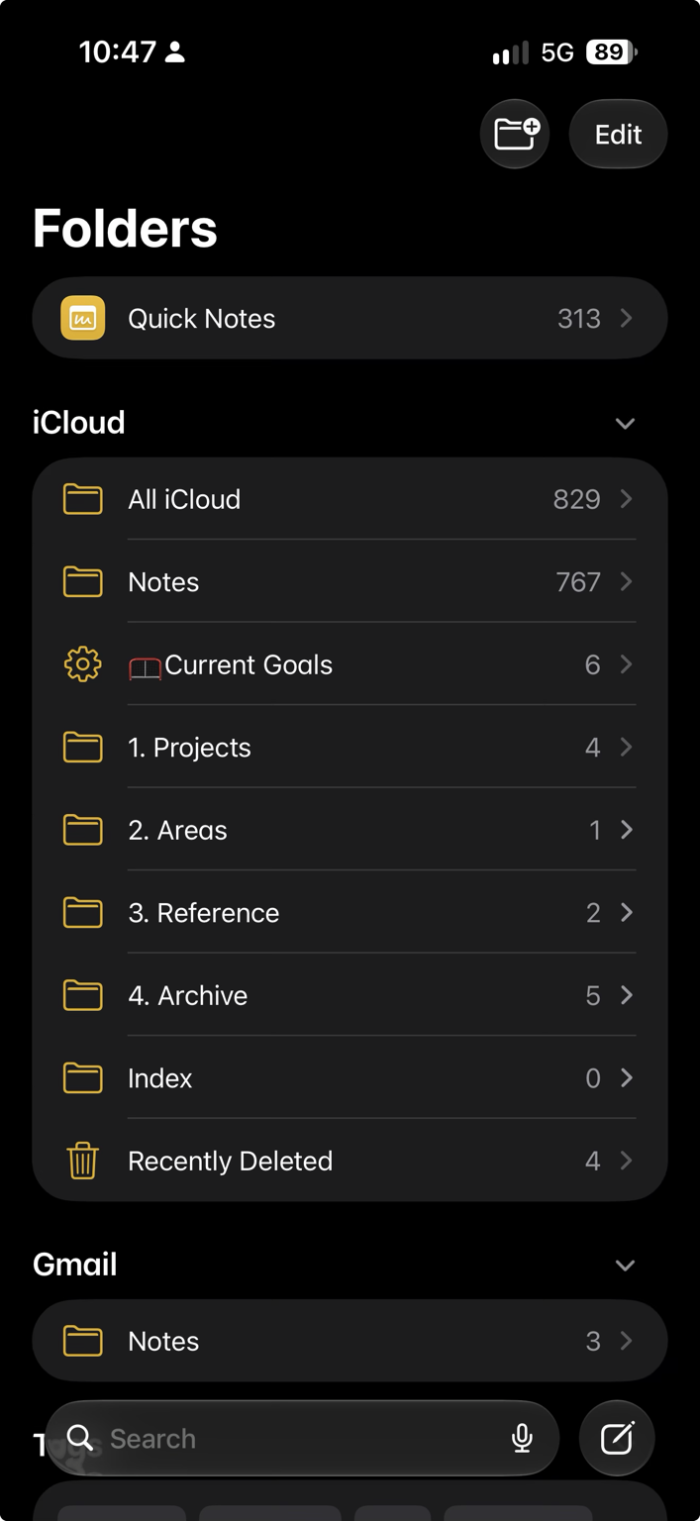
Notes is especially bad for this. I’ve managed to stuff more than eight hundred things in there over the last two years.
This morning I had a couple of hours to burn, so instead of working on a post for this site, I went digging through Notes.
Inside were abandoned projects, random Quick Notes, a Smart Folder I forgot existed — and apparently forgot how it worked — plus an old goal system that made me wonder, “What the fuck was I smoking back in 2024, and how can I get some more?”
I was really into Tiago Forte’s PARA system for a while (Projects, Areas, Resources and Archives) but I think I was treating it too much like a filing system. It felt like WORK.
This goes here. That goes there. Make the folder. Put the note in the folder.
Which works, I guess—until the system gets big enough that half the problem is remembering what you called the fucking thing in the first place.
I didn’t need Notes to constantly show me everything. I needed Notes to give everything a home, and ChatGPT to be the thing I could think through it with.
PARA could be the structure underneath it all. Projects, Areas, Reference, Archive. Simple enough.
That way, I wouldn’t ignore every note yelling “DO ME!” at me all at once. Notes could hold the mess while Pins and Smart Folders showed me what actually mattered.
Active projects get pinned. Smart Folders can pull together things like Current Goals without me building another fucking filing system inside the filing system.
Drafts and ideas don’t need much more than that. Just because I had an idea and thought about it for more than five minutes doesn’t mean it needs to become a project with a giant imaginary WRITE POST!! attached to it.
A lot of those ideas can sit in Reference until they turn into something.
See, my problem isn’t that I don’t have ideas. It’s finding-the-damn-thing-again.
Doing all this reminded me why I came up with the Papa Sandemano mascot. It fits.
From the outside it looks like absolute chaos. Recipes, garden stuff, blog ideas, house projects, books, jars, tools, probably a D20 buried under something.
All you have to do is ask if Papa knows where something is.
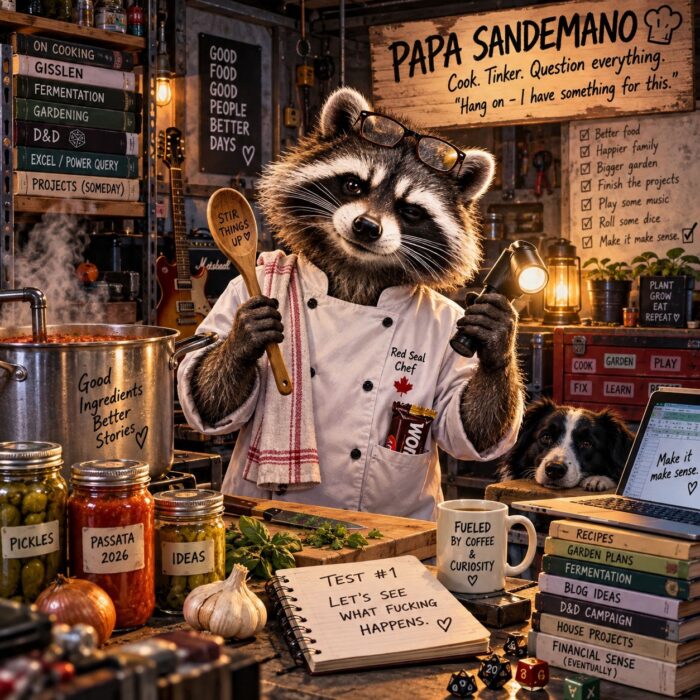
Papa Sandemano, fueled by coffee, curiosity, and far too many unfinished ideas.
I’m never going to become the guy with the perfectly clean system and three neatly labelled folders. Too much work for very little payoff. Besides, it’s not someone else’s system. It’s mine.
I just need the chaos to make sense to me.
And maybe, for once, I’ll be able to find the damn thing again when I go looking for it.
Leave a Reply